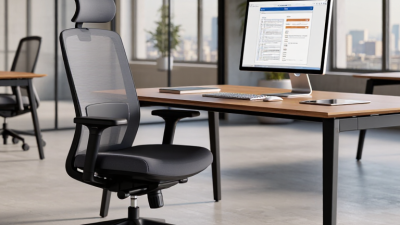
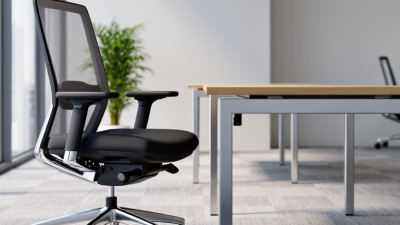
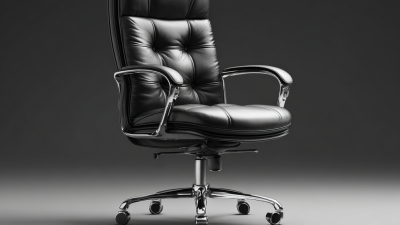
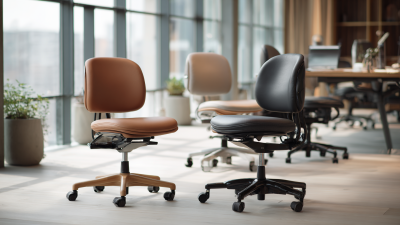
A desk chair can shape more than a room’s appearance; it can affect how comfortably you work through a long afternoon. Modern Desk Chairs range from slim, minimalist models to adjustable ergonomic designs with visible support features. The best choice depends on your body, workspace, and daily routine—not a fashionable label alone. Comfort is personal.
This guide compares the details that matter: seat depth, lumbar support, armrest adjustment, breathable materials, stability, and warranty terms. It also considers practical limits, such as whether a chair fits beneath a compact desk or stays comfortable during several hours of focused work. A specification sheet can help, but it cannot predict exactly how a chair will feel to every person. That part deserves a little skepticism.
Rather than naming one universal winner, the article will explain which features suit different needs and budgets. Readers can use those criteria to compare models, check current product information, and avoid paying for adjustments they may never use. Small details count. A supportive chair should feel steady, fit the user, and make ordinary work easier without demanding constant readjustment.
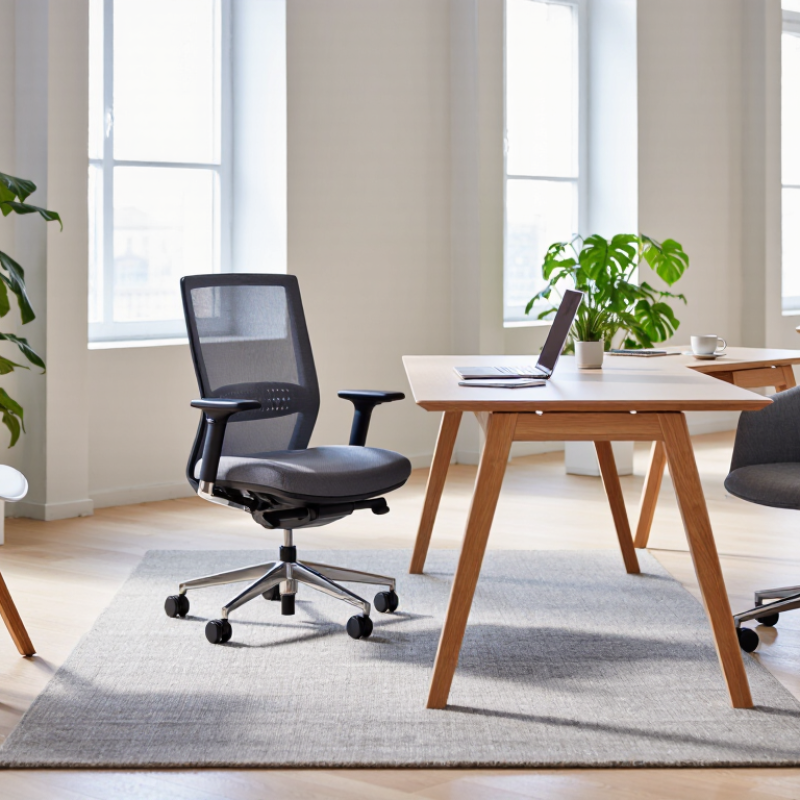
What makes a desk chair modern is less about its silhouette than how well it supports real work. OSHA’s Computer Workstations eTool recommends adjusting the seat so feet rest flat and thighs stay roughly parallel to the floor. It also advises keeping frequently used items within easy reach. Those details matter during ordinary tasks: typing, turning to a second screen, or leaning forward to read small text. Small adjustments count. A chair that fits one person may leave another’s shoulders raised or feet dangling, so adjustability is more useful than a polished showroom appearance.
Workplace use also means moving, not holding one “perfect” pose all day. The World Health Organization’s 2020 physical activity guidelines recommend 150–300 minutes of moderate-intensity activity each week for adults. That guidance is not a chair test, but it is a useful reminder: seating cannot replace movement. A practical setup should allow comfortable posture changes and make it easy to stand briefly between tasks. Comfort can be deceptive, too. A chair may feel fine at first and become distracting by lunch; that mismatch deserves attention, not denial. Check fit again after a full work session.
A chair can look sleek and still feel wrong after an hour. Start with seat height: adjust it until your feet rest flat and your knees sit roughly level with your hips. If your desk is fixed, check that your shoulders stay relaxed while typing. A footrest can help when lowering the chair would make the desk feel too high. Small details matter.
Seat depth affects pressure behind your knees. Sit back against the backrest and leave about two or three finger-widths between the seat edge and your legs. Too little space may leave your thighs unsupported; too much can make you perch forward. Lumbar support should meet the natural curve of your lower back, near belt level. Adjustable support is useful, but it should feel steady, not like a hard bump. Your posture may vary during the day, so a chair should allow small position changes.
Tips: Adjust one feature at a time, then sit for 15 minutes. Notice numbness, pressure, or slouching. Measurements help, but they are not perfect; body proportions differ, and a quick showroom test can miss discomfort that appears later.
Mesh and foam solve different problems. Mesh allows airflow, which matters during long sessions in a warm room. Its tension should support your weight without sagging or pressing sharply behind the knees. Sit for several minutes. Notice pressure points.
Foam feels softer at first, but comfort depends on density and shape. Thin foam may flatten where your hips bear most weight. Firmer cushioning can feel less welcoming on day one, yet hold its form longer. That is not guaranteed; materials and construction vary. A chair that feels plush in a showroom may behave differently after months of use.
Tilt controls how the backrest moves, while seat-height adjustment helps keep feet planted and knees near a right angle. Try reclining with your feet still on the floor. The motion should feel controlled, not like a sudden drop. Armrests need similar testing: adjust them so shoulders stay relaxed and elbows rest close to your sides. Fixed arms can interfere with a desk edge. Small detail, real annoyance. I once favored a chair with generous padding, then found its armrests too high for my workspace. A few minutes at your own desk can reveal what a quick showroom test misses.
A modern desk chair should feel steady before it feels plush. ANSI/BIFMA X5.1 evaluates general-purpose office chairs through defined tests for stability, strength, and durability. These tests apply controlled loads and repeated movements to parts such as the seat, back, and base. Ask for documentation showing which standard edition was used and whether the tested chair matches the model being sold. A vague “tested” label tells you little. Look for test results, not just marketing language.
The U.S. Bureau of Labor Statistics reported 2.6 million nonfatal workplace injuries and illnesses in private industry in 2023. That figure is not chair-specific, but it is a reminder that workplace safety deserves careful attention. Numbers matter. At a showroom, check whether the chair stays stable when you lean back, and inspect the joints, casters, and adjustment controls for looseness. A lab pass cannot predict every worn screw or uneven floor. I would also avoid treating X5.1 as proof of comfort or perfect posture; it addresses chair performance, not every user or workspace. Pair the test record with a hands-on check of fit, adjustment range, and daily-use feel.
A good desk chair should fit your body, not just look comfortable in a photograph. Check that your feet rest flat, your knees bend easily, and the seat supports your thighs without pressing behind them. Your lower back should meet the backrest without forcing you into a rigid pose. Small adjustments matter.
Think about how you work. If you sit for long stretches, adjustable seat height, back support, and armrests can help you find a more natural position. If you move often between tasks, easy adjustments may matter more than extra padding. Try a chair for at least a few minutes, if possible. Notice where pressure builds. No chair fits everyone.
Set a budget before comparing features. A dependable frame and useful adjustments may be more valuable than a long list of extras. Still, it’s easy to overvalue a plush seat; softness can feel appealing at first, then become uncomfortable during a full workday. A footrest or a small cushion may solve a specific fit problem, but neither can correct a chair that is the wrong size. Consider your desk height, too, since a well-fitted chair can still feel awkward at the wrong desk.